Fortnite para PC: Banishing the ESP-BUIMET-003 Error and Reclaiming Victory Royales
Highlights
- Don't let the ESP-BUIMET-003 error in Fortnite get you down - this article provides a range of solutions to help you troubleshoot and resolve the issue, from tweaking your DNS settings to reinstalling the game and launcher.
- Outdated drivers could be the culprit behind the error, so make sure to check for the latest updates for your AMD Ryzen 7 7800X3D CPU and RTX 3090 GPU.
- If all else fails, explore other possibilities such as conflicting system updates or software installations, or consider reinstalling Windows as a last resort to banish the pesky error and get back to error-free victory royales in Fortnite.
Are you frustrated by the ESP-BUIMET-003 error on your PC while playing Fortnite? Don't worry, we've got your back! In this article, we will explore various solutions to help you troubleshoot and resolve this pesky error. From tweaking your DNS settings to checking for driver updates, we've got all the tips and tricks you need to get back in the game!
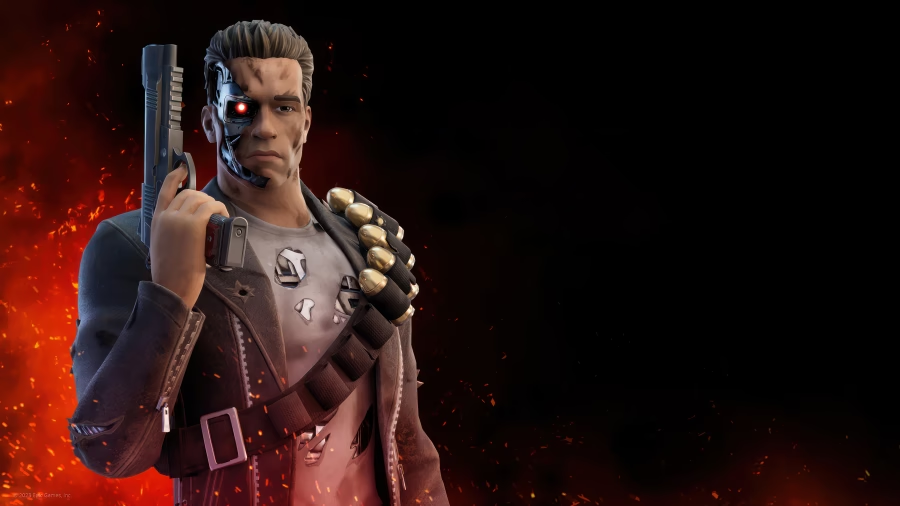
One of the common fixes for the ESP-BUIMET-003 error is tweaking your DNS settings. However, if this solution didn't work for you, fear not! There are other avenues to explore. Sometimes, the error can persist despite making changes to your network settings. So, let's move on to the next solution.
If changing DNS settings didn't do the trick, it's time to try reinstalling the game and launcher. Start by uninstalling Fortnite and the launcher, making sure to delete any leftover files. Then, reinstall both and see if the error persists. Be warned, though, reinstalling the launcher might accidentally uninstall all your other games. So, proceed with caution and make sure you have backups!
Another factor that can cause the ESP-BUIMET-003 error is outdated drivers. In your case, with an AMD Ryzen 7 7800X3D CPU and an RTX 3090 GPU, it's essential to have the latest drivers installed. Double-check if you're running the most up-to-date versions and compare them with other users who have a 3090. Sometimes, a specific driver version can cause compatibility issues, so it's worth investigating.
If none of the above solutions work, it might be time to explore other possibilities. For instance, check if any recent system updates or software installations are conflicting with Fortnite. Additionally, ensure that your antivirus software isn't blocking the game's connection. If all else fails, you might need to consider reinstalling Windows as a last resort.
By following these troubleshooting steps, you'll hopefully be able to banish the ESP-BUIMET-003 error from your Fortnite gaming experience. Remember, patience is key, and don't hesitate to seek further assistance from the Fortnite community or support team. Good luck, and may your victory royales be error-free!
Related Articles
Fortnite Cloud Gaming: Navigating the PS4 Controller Conundrum and Consequences
Fortnite Shop Reset: Unleash the Power of Traps with a Trap Supercharger!
Fortnite Save the World: Navigating Resets and Leveling Up - A Guide to Conquer the Chaos
Fortnite Tracker: Navigating the Ban Maze in the Battle Royale
Related Articles
Fake Fortnite Llama: To Gamble or Not to Gamble, That is the Question
Free Fortnite: Don't Let Your Unwanted Materials Go to Waste!
Cloud Gaming Fortnite: Taming the Generic PS4 Controller for Epic Save The World Action
Fortnite Login Dilemma: Unleashing the Power of Automatic Login