Fortnite for PC: Banished but Not Broken - Unleash Your Inner Warrior Again!
Highlights
- Discovering that your old Fortnite account has been banned can be frustrating, but there are steps you can take to resolve the issue and get back into the game you love.
- Reviewing and removing any questionable programs, scanning for malware, and resetting your internet connection are all potential solutions to the "we hit a roadblock" message.
- If all else fails, a fresh Windows install may be necessary, but be sure to back up important files beforehand.
So you find yourself in a frustrating situation. You've created a new account on Fortnite after discovering that your old account, which you hadn't touched in ages due to not having a PC, has been banned. But now, you're facing the dreaded "we hit a roadblock" message, suggesting a bad connection, cheats, or even a VPN. You've even reached out to Epic Live chat, and they've confirmed that your account is indeed banned. It's enough to make you want to throw your controller across the room.
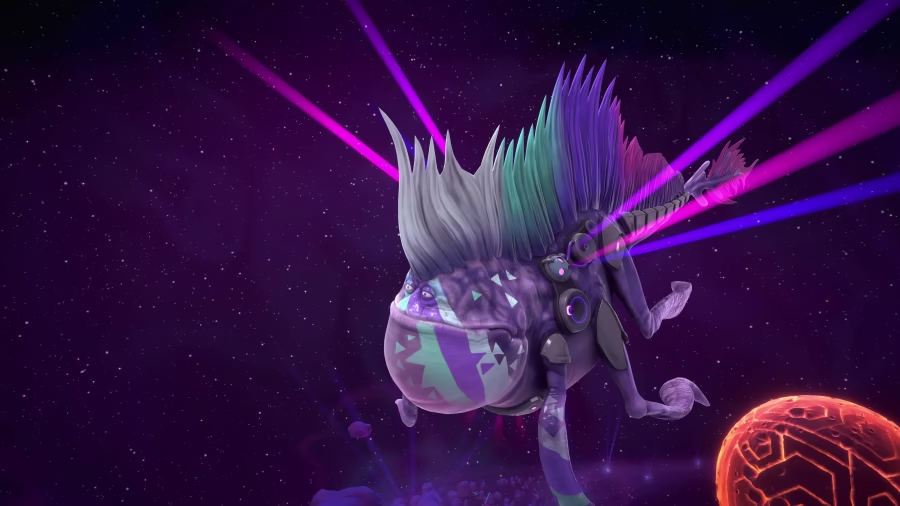
But fear not, my fellow Fortnite enthusiast, because I'm here to help you navigate through this roadblock and get you back into the game you love. Let's dive into some possible solutions that may just save the day!
First and foremost, let's take a look at any questionable programs that may be causing conflicts with Fortnite. Some players have reported issues with mods from other games, such as Minecraft or GTA, as well as auto-clickers from games like Roblox. It's essential to review any programs you have installed and remove anything that could potentially trigger the ban. Remember, it's better to be safe than sorry when it comes to preserving your Fortnite experience.
Next, let's address the possibility of malware interfering with the game. Malicious software can wreak havoc on your system and trigger the "we hit a roadblock" message. To combat this, I recommend using a reliable malware scanning utility like Malwarebytes to scan your PC thoroughly. This will help identify and remove any potential threats, ensuring that your system is clean and free from any malicious software that could be causing the issue.
If the problem persists, it's time to turn our attention to your internet connection. Sometimes, network-related issues can trigger the ban message. A simple solution to try is resetting your router. Unplug it for a few minutes, then plug it back in. This act of refreshing your connection may resolve any network-related conflicts, getting you one step closer to getting back in the game.
Lastly, if all else fails, you may need to consider a fresh Windows install. While this may seem like a drastic measure, it can help eliminate any lingering issues or conflicts that may be causing the ban message. However, please remember to back up any important files before proceeding with the reinstall, as this process will essentially wipe your PC clean and provide you with a fresh start.
Remember, my friend, these solutions are not guaranteed to work for everyone, but they are worth trying to regain access to the Fortnite world. May the Fortnite gods smile upon you as you embark on this journey to reclaim your gaming glory. Good luck and happy gaming!
Related Articles
Fortnite Builds: Unleashing the Melee Mayhem in Style!
Cloud Gaming Fortnite: Navigating the Controller Chaos in the World of Fortnite
Xbox Cloud Gaming Fortnite Dilemma: PS4 Controllers in Hot Water!
Lego Fortnite: Uncovering the Secrets Behind STW's Surprising Popularity in the World of Fortnite
Fortnite LEGO: Save the World - The Rising Star of Cooperative Gaming