Fortnite Fonts: Fixing Off-Center Cooldowns and Abilities in Epic Missions!
Highlights
- Adjusting your screen resolution to match your monitor's recommended resolution can help center ability and gadget cooldowns in Fortnite missions.
- Updating your graphics drivers can resolve display issues, including off-center cooldowns, and enhance your gaming experience.
- Verifying the game files or seeking assistance from the game's support team are additional troubleshooting steps to fix the problem of off-center cooldowns in Fortnite missions.
Are you tired of your ability and gadget cooldowns being off-center in Fortnite missions? Fear not, for there are a few possible solutions to fix this frustrating issue. In this guide, we will explore some troubleshooting steps that may help you center those cooldowns and enhance your gaming experience.
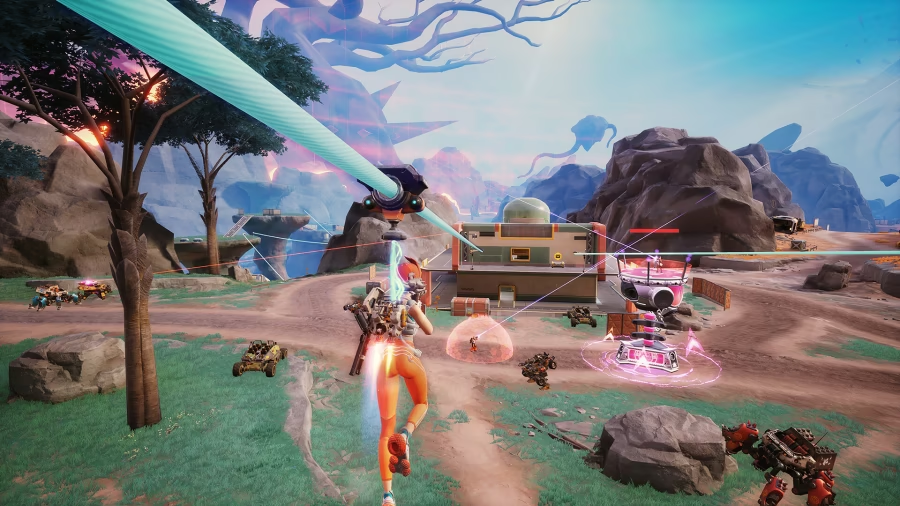
One solution is to adjust your screen resolution. Sometimes, the problem occurs due to a mismatch between the game's resolution and your monitor's native resolution. To tackle this, navigate to the game's settings and try changing the resolution to match your monitor's recommended resolution. By doing so, you should be able to align the cooldowns properly on your screen, eliminating the off-center annoyance.
Another potential fix is to update your graphics drivers. Outdated or incompatible graphics drivers can sometimes cause display issues in games, including off-center cooldowns. To address this, check for any available updates for your graphics card and install them. This simple step may resolve the issue and ensure that the cooldowns are correctly aligned, allowing you to focus on the action-packed gameplay.
If the above solutions fail to rectify the problem, you can try verifying the game files. Sometimes, corrupted or missing game files can lead to visual glitches, such as off-center cooldowns. To perform this task, access the game's launcher and locate the option to verify the game files. Let the system scan and repair any issues it finds. This method might just be the key to restoring the proper alignment of your ability and gadget cooldowns.
In the event that none of the previous solutions prove successful, it may be time to seek assistance from the game's support team. They possess the knowledge and expertise to tackle specific troubleshooting steps or provide a patch to address this issue. When reaching out to them, be sure to furnish as much information as possible, including your system specifications and any relevant screenshots. This will aid them in diagnosing and resolving the problem efficiently.
Remember, while these solutions may not work for everyone, they are certainly worth trying to fix the off-center ability and gadget cooldowns in Fortnite missions. By following these steps, you can regain your focus on the game and immerse yourself in the thrilling world of Fortnite without the distraction of misaligned cooldowns. Happy gaming!
Related Articles
Fortnite.gg: Unleash the Power of Teamwork in Fortnite!
Fortnite Save the World: Unleash the Power of Flair and Uncover the Mysterious Vinderman
Fortnite Videos: Unleash the Nailer's Hidden Potential in the Ultimate Challenge
Fortnite Track: Rock Out with an Exclusive Jam in Fortnite!
Related Articles
Shredder Fortnite: Electrifying Heroes and Shocking Strategies in Fortnite
Lego Fortnite: Uncovering the Secrets Behind STW's Surprising Popularity in the World of Fortnite
Fortnite Names: Unleash Your Creative Genius and Conquer the Naming Challenge in Fortnite
Epic Games Fortnite: Conquer the Chaos and Master the Mayhem in Fortnite!
Fortnite Play Online: Crash No More! Unleash Your Gaming Potential with These Epic Fixes